About Kids Diy Stickers
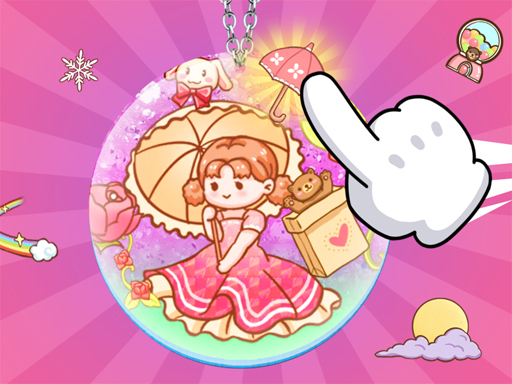
Kids DIY Stickers is a casual game. Imagine how fun it would be to DIY a special card with cute stickers. You have a transparent card and a variety of cute stickers, such as cute puppies, bunnies, calves, beautiful flowers, etc. You can choose your favorite stickers from these stickers and stick them on this transparent card. Finally, you can save and collect the cards you have made.
❓ Frequently Asked Questions
How do I play Kids Diy Stickers?
Click the Play button above to start Kids Diy Stickers instantly in your browser. No download or installation needed. Works on PC, mobile, and Chromebook.
Is Kids Diy Stickers free to play?
Yes! Kids Diy Stickers is completely free to play online on PrimeGameHub. No registration, no download, no hidden fees.
What devices can I play Kids Diy Stickers on?
You can play Kids Diy Stickers on any device with a modern web browser — Windows PC, Mac, Chromebook, iPhone, iPad, and Android phones and tablets.