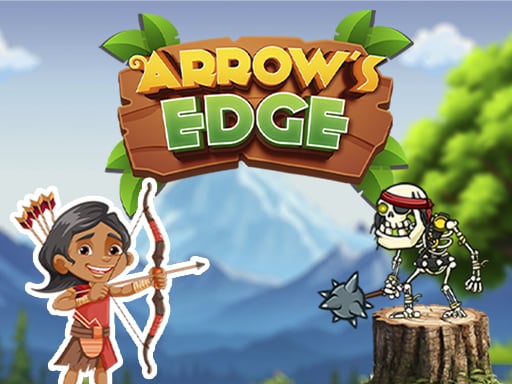
About Arrows Edge
Explore arching adventure. Shoot the skeletons with great arching skills. Game story starts with an archer and a trainer, the archer accepts a challenge from the trainer and goes to kill the skeletons. Player has to help to aim on the skeletons. Be careful! While aiming as those arrows could harm the player also then the game would be over. Features of this game: High Quality graphics will leave only positive feedback Game size is minimal (but not compromised the graphics) and it is good for your device health Super simple controls make it easy to start playing Interesting quests will not let you get bored while playing the game.
❓ Frequently Asked Questions
How do I play Arrows Edge?
Click the Play button above to start Arrows Edge instantly in your browser. No download or installation needed. Works on PC, mobile, and Chromebook.
Is Arrows Edge free to play?
Yes! Arrows Edge is completely free to play online on PrimeGameHub. No registration, no download, no hidden fees.
What devices can I play Arrows Edge on?
You can play Arrows Edge on any device with a modern web browser — Windows PC, Mac, Chromebook, iPhone, iPad, and Android phones and tablets.