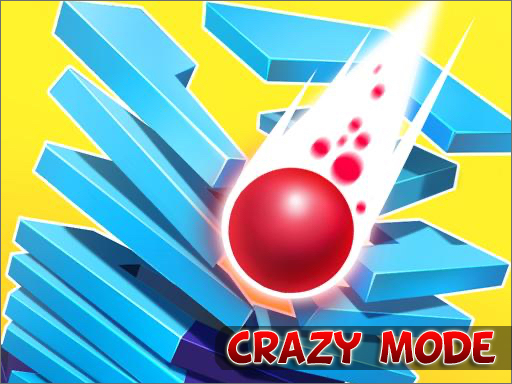
About Stack Fall 3D: Crazy Mode
New adventure begins. More crazy challenges are waiting for you!
How to Play Stack Fall 3D: Crazy Mode
- Use the on-screen instructions or keyboard controls shown at the start to begin playing.
- Explore the game mechanics in the first few levels — each game has its own unique twist.
- Complete the objectives shown on screen to progress through the game.
- The more you play, the better you get — challenge yourself to beat your own high score.
No download or installation needed — Stack Fall 3D: Crazy Mode runs entirely in your browser. Works on Chrome, Firefox, Edge, Safari, desktop and mobile.
🎮 How to Play Stack Fall 3D: Crazy Mode
- Click the "Play Now" button above to load Stack Fall 3D: Crazy Mode in your browser
- Wait a few seconds for the game to load — no download or installation required
- Use your keyboard (arrow keys / WASD) or mouse to control the game
- Click the fullscreen button for the best gaming experience
💡 Tip: Stack Fall 3D: Crazy Mode works best on Chrome, Firefox, Edge, and Safari. Make sure JavaScript is enabled for optimal performance.
❓ Frequently Asked Questions
How do I play Stack Fall 3D: Crazy Mode?
Click the Play button above to start Stack Fall 3D: Crazy Mode instantly in your browser. No download or installation needed. Works on PC, mobile, and Chromebook.
Is Stack Fall 3D: Crazy Mode free to play?
Yes! Stack Fall 3D: Crazy Mode is completely free to play online on PrimeGameHub. No registration, no download, no hidden fees.
What devices can I play Stack Fall 3D: Crazy Mode on?
You can play Stack Fall 3D: Crazy Mode on any device with a modern web browser — Windows PC, Mac, Chromebook, iPhone, iPad, and Android phones and tablets.