About DIY Slime Art
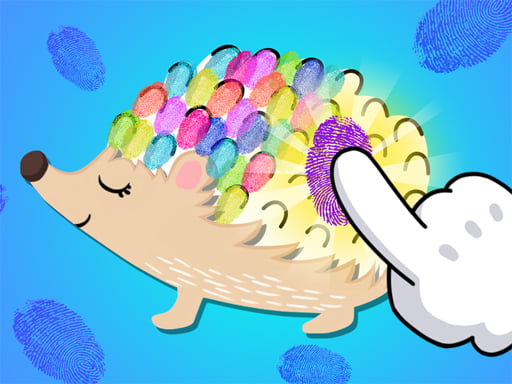
This is a DIY simulation game. If you like DIY games, then this game is for you. You can make your models in different shapes, round, heart, and star shapes. You can also make small animal shapes such as peacocks, hedgehogs, and mergansers. Our game also has levels for beautiful girls, sugarplums, and trees for you to choose from. After choosing your model you can start making it. You can also choose your favorite decorations, and when they are ready you can knead them as much as you want. This game has beautiful graphics that will bring you visual enjoyment. You can also enjoy the fun of DIY. Ready or not, join the game now.
❓ Frequently Asked Questions
How do I play DIY Slime Art?
Click the Play button above to start DIY Slime Art instantly in your browser. No download or installation needed. Works on PC, mobile, and Chromebook.
Is DIY Slime Art free to play?
Yes! DIY Slime Art is completely free to play online on PrimeGameHub. No registration, no download, no hidden fees.
What devices can I play DIY Slime Art on?
You can play DIY Slime Art on any device with a modern web browser — Windows PC, Mac, Chromebook, iPhone, iPad, and Android phones and tablets.