About Brick Game Classic
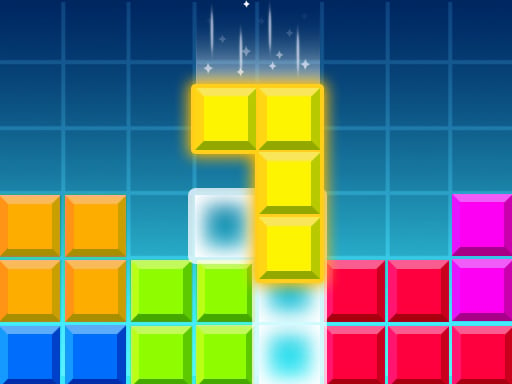
Brick Game Classic is a classic Tetris online game. If you are a fan of classic games, then this game that has been popular for many years is just right for you. When any row or column is filled, it is eliminated. You can change the shape of the cubes before they fall to eliminate them quickly. You can also make them fall faster if you are satisfied with their shape. Now join the world of fun games.
❓ Frequently Asked Questions
How do I play Brick Game Classic?
Click the Play button above to start Brick Game Classic instantly in your browser. No download or installation needed. Works on PC, mobile, and Chromebook.
Is Brick Game Classic free to play?
Yes! Brick Game Classic is completely free to play online on PrimeGameHub. No registration, no download, no hidden fees.
What devices can I play Brick Game Classic on?
You can play Brick Game Classic on any device with a modern web browser — Windows PC, Mac, Chromebook, iPhone, iPad, and Android phones and tablets.