About Falling Gem
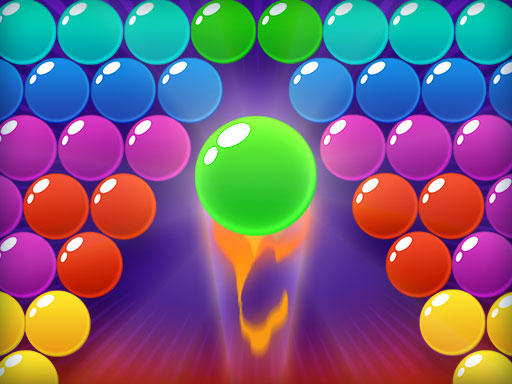
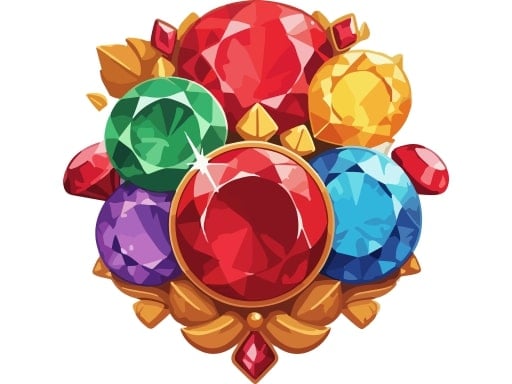
Welcome to Falling Gem, the ultimate gem-matching puzzle game that will captivate you with its vibrant visuals and engaging gameplay. In this gem-themed game, your mission is to swap and align glittering gems like diamonds, emeralds, rubies, and sapphires to create rows or columns of three or more identical gems. Every successful match causes the gems to vanish, making way for new ones to fall into place, creating opportunities for more combos and higher scores.
❓ Frequently Asked Questions
How do I play Falling Gem?
Click the Play button above to start Falling Gem instantly in your browser. No download or installation needed. Works on PC, mobile, and Chromebook.
Is Falling Gem free to play?
Yes! Falling Gem is completely free to play online on PrimeGameHub. No registration, no download, no hidden fees.
What devices can I play Falling Gem on?
You can play Falling Gem on any device with a modern web browser — Windows PC, Mac, Chromebook, iPhone, iPad, and Android phones and tablets.