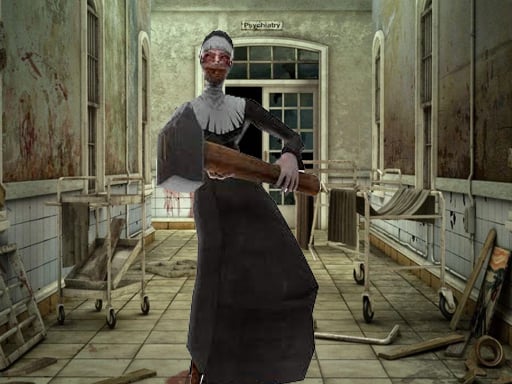
About Lets Kill Evil Nun
You came to investigate strange happenings at the abandoned Asylum. There are rumors that Evil Nun is behind them. Find 8 crosses, prove her existence and try getting out alive!
How to Play Lets Kill Evil Nun
- W A S D to walk around Mouse to Look around Left Mouse Button to Fire Right Mouse Button to Aim Mouse Wheel To Change Weapons G for Grenades R to Reload F to Pickup Items Left Shift to Run Left CTRL to Crouch X to Prone V
❓ Frequently Asked Questions
How do I play Lets Kill Evil Nun?
Click the Play button above to start Lets Kill Evil Nun instantly in your browser. No download or installation needed. Works on PC, mobile, and Chromebook.
Is Lets Kill Evil Nun free to play?
Yes! Lets Kill Evil Nun is completely free to play online on PrimeGameHub. No registration, no download, no hidden fees.
What devices can I play Lets Kill Evil Nun on?
You can play Lets Kill Evil Nun on any device with a modern web browser — Windows PC, Mac, Chromebook, iPhone, iPad, and Android phones and tablets.