About Pixel PUBG
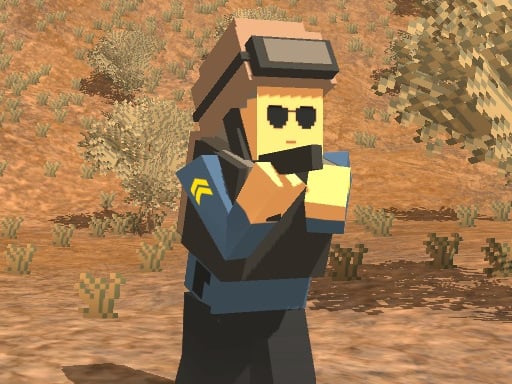
Pixel PUBG is a 3D shooting game where you have to choose from five different characters and two maps to play. You will find a lot of weapons inside the game, pick them up and start shooting. Prove your skills in this challenging game and kill all your opponents. Have fun! Features: • 5 characters to choose • 2 maps: Battle Royale and Sandbox • Weapons all over the map • Inventory
How to Play Pixel PUBG
- WASD or arrow keys to move Left mouse button to shoot Right mouse button to aim F to interact or pick a weapon or parachuting Space bar to jump Left shift to run R to reload C to crouch Tab to open inventory
❓ Frequently Asked Questions
How do I play Pixel PUBG?
Click the Play button above to start Pixel PUBG instantly in your browser. No download or installation needed. Works on PC, mobile, and Chromebook.
Is Pixel PUBG free to play?
Yes! Pixel PUBG is completely free to play online on PrimeGameHub. No registration, no download, no hidden fees.
What devices can I play Pixel PUBG on?
You can play Pixel PUBG on any device with a modern web browser — Windows PC, Mac, Chromebook, iPhone, iPad, and Android phones and tablets.