About Bubble Shooter Planets
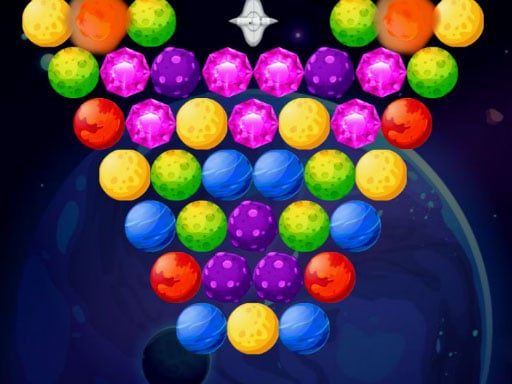
Bubble Shooter Planets is a Classical bubble shooter game with many new items and power ups. Aim and release the planet in order to combine it with other similar planets. Use power-ups to overcome the challenges.
How to Play Bubble Shooter Planets
- Use touch device or mouse to play this game
❓ Frequently Asked Questions
How do I play Bubble Shooter Planets?
Click the Play button above to start Bubble Shooter Planets instantly in your browser. No download or installation needed. Works on PC, mobile, and Chromebook.
Is Bubble Shooter Planets free to play?
Yes! Bubble Shooter Planets is completely free to play online on PrimeGameHub. No registration, no download, no hidden fees.
What devices can I play Bubble Shooter Planets on?
You can play Bubble Shooter Planets on any device with a modern web browser — Windows PC, Mac, Chromebook, iPhone, iPad, and Android phones and tablets.