About Special Strike Zombies
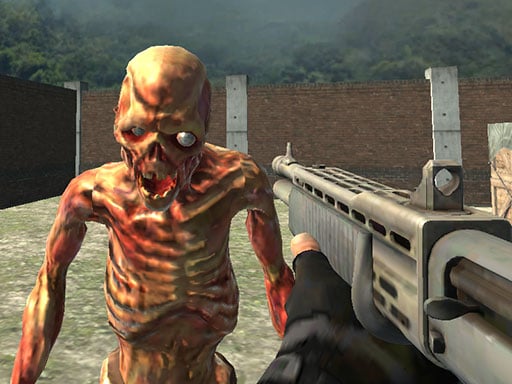
You are special forces soldier and your mission is to use big arsenal of weapons to shoot hordes of zombies and mercenaries, choose suitable weapon for each wave of enemies in order to survive and successfully complete each level.
How to Play Special Strike Zombies
- WASD
- Move LMB
- Shoot Mouse Wheel
- Change weapon R
- Reload P
- Pause Space
- Jump C
- Crouch
❓ Frequently Asked Questions
How do I play Special Strike Zombies?
Click the Play button above to start Special Strike Zombies instantly in your browser. No download or installation needed. Works on PC, mobile, and Chromebook.
Is Special Strike Zombies free to play?
Yes! Special Strike Zombies is completely free to play online on PrimeGameHub. No registration, no download, no hidden fees.
What devices can I play Special Strike Zombies on?
You can play Special Strike Zombies on any device with a modern web browser — Windows PC, Mac, Chromebook, iPhone, iPad, and Android phones and tablets.