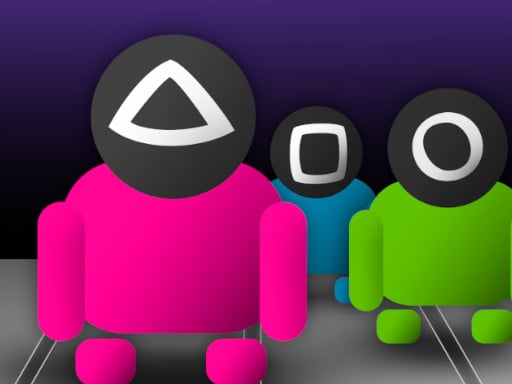
About SquidGame.io
Squid Game multiplayer game! Collect gems to grow and hunt smaller players! Customize your character with hats and colors.
How to Play SquidGame.io
- Choose a username and join or create a game room.
- Learn the map layout quickly — knowing the terrain gives you a major advantage.
- Communicate and coordinate with teammates to outsmart the opposing team.
- Watch how top-ranked players move and act — imitate their strategy to improve.
No download or installation needed — SquidGame.io runs entirely in your browser. Works on Chrome, Firefox, Edge, Safari, desktop and mobile.
🎮 How to Play SquidGame.io
- Click the "Play Now" button above to load SquidGame.io in your browser
- Wait a few seconds for the game to load — no download or installation required
- Use your keyboard (arrow keys / WASD) or mouse to control the game
- Click the fullscreen button for the best gaming experience
💡 Tip: SquidGame.io works best on Chrome, Firefox, Edge, and Safari. Make sure JavaScript is enabled for optimal performance.
❓ Frequently Asked Questions
How do I play SquidGame.io?
Click the Play button above to start SquidGame.io instantly in your browser. No download or installation needed. Works on PC, mobile, and Chromebook.
Is SquidGame.io free to play?
Yes! SquidGame.io is completely free to play online on PrimeGameHub. No registration, no download, no hidden fees.
What devices can I play SquidGame.io on?
You can play SquidGame.io on any device with a modern web browser — Windows PC, Mac, Chromebook, iPhone, iPad, and Android phones and tablets.