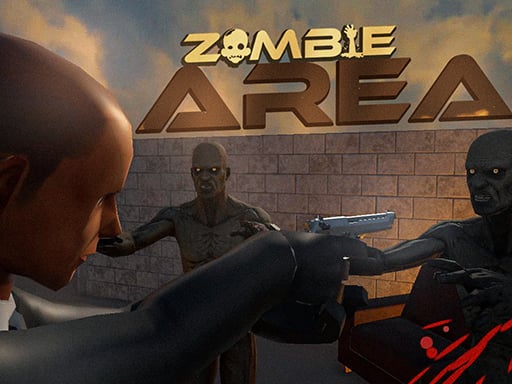
About Zombie Area
The numbers of zombies keep increasing day by day and the zombies have started to invade the house, you need to find the exit by clearing them all and surviving!
How to Play Zombie Area
- Use WASD or arrow keys to move your character around the level.
- Press Space or click to attack, shoot, or interact with objects.
- Defeat all enemies and reach the goal to progress to the next level.
- Collect power-ups to boost your abilities and survive longer.
No download or installation needed — Zombie Area runs entirely in your browser. Works on Chrome, Firefox, Edge, Safari, desktop and mobile.
🎮 How to Play Zombie Area
- Click the "Play Now" button above to load Zombie Area in your browser
- Wait a few seconds for the game to load — no download or installation required
- Use your keyboard (arrow keys / WASD) or mouse to control the game
- Click the fullscreen button for the best gaming experience
💡 Tip: Zombie Area works best on Chrome, Firefox, Edge, and Safari. Make sure JavaScript is enabled for optimal performance.
❓ Frequently Asked Questions
How do I play Zombie Area?
Click the Play button above to start Zombie Area instantly in your browser. No download or installation needed. Works on PC, mobile, and Chromebook.
Is Zombie Area free to play?
Yes! Zombie Area is completely free to play online on PrimeGameHub. No registration, no download, no hidden fees.
What devices can I play Zombie Area on?
You can play Zombie Area on any device with a modern web browser — Windows PC, Mac, Chromebook, iPhone, iPad, and Android phones and tablets.