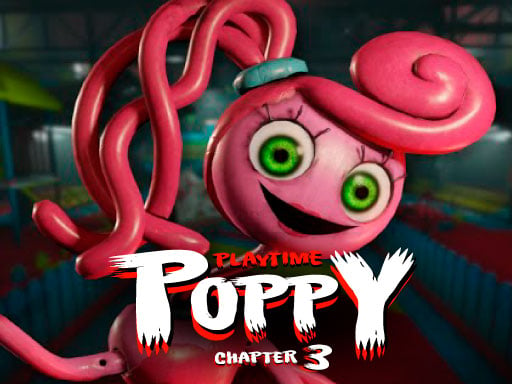
About Poppy Playtime Chapter 3
The new online game Poppy PlayTime 3 is based on the well-known Poppy Playtime character, and you may play it for free. A world of fear and oppression awaits you in this new game. There are two chapters to choose from, each with its own set of goals and maps. First, youll find yourself stranded in a deserted mansion; to escape, youll need to collect keys to each room and unlock them.
How to Play Poppy Playtime Chapter 3
- Controls WASD to moveMouse to move the cameraF to interactESC for menu
❓ Frequently Asked Questions
How do I play Poppy Playtime Chapter 3?
Click the Play button above to start Poppy Playtime Chapter 3 instantly in your browser. No download or installation needed. Works on PC, mobile, and Chromebook.
Is Poppy Playtime Chapter 3 free to play?
Yes! Poppy Playtime Chapter 3 is completely free to play online on PrimeGameHub. No registration, no download, no hidden fees.
What devices can I play Poppy Playtime Chapter 3 on?
You can play Poppy Playtime Chapter 3 on any device with a modern web browser — Windows PC, Mac, Chromebook, iPhone, iPad, and Android phones and tablets.