About Real Flight Simulator
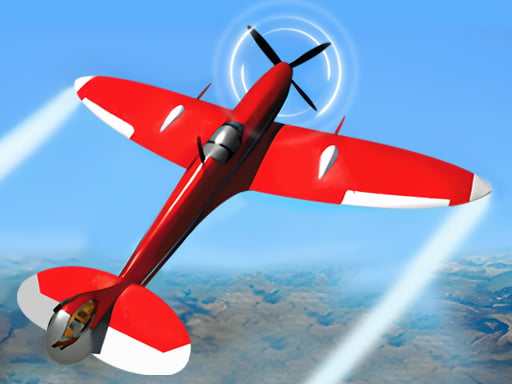
Real Flight Simulator plays like an airplane driving simulation game with 3D models. In 6 levels, you can learn how to drive an airplane including starting, steering, and landing. All of the complicated instrument panels are simplified for players to learn. The more expensive the airplane you drive, the better acceleration of it you can enjoy including the Power, Speed, Solution, and Brake. Good luck in the sky!
❓ Frequently Asked Questions
How do I play Real Flight Simulator?
Click the Play button above to start Real Flight Simulator instantly in your browser. No download or installation needed. Works on PC, mobile, and Chromebook.
Is Real Flight Simulator free to play?
Yes! Real Flight Simulator is completely free to play online on PrimeGameHub. No registration, no download, no hidden fees.
What devices can I play Real Flight Simulator on?
You can play Real Flight Simulator on any device with a modern web browser — Windows PC, Mac, Chromebook, iPhone, iPad, and Android phones and tablets.