About Billiards City
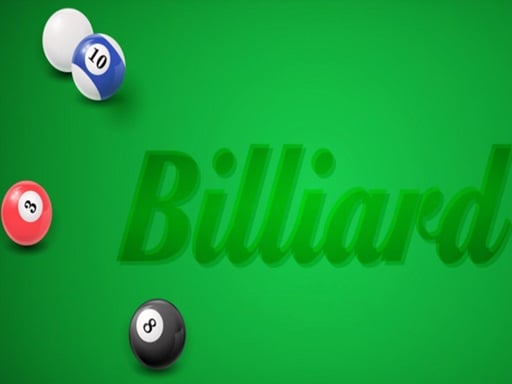
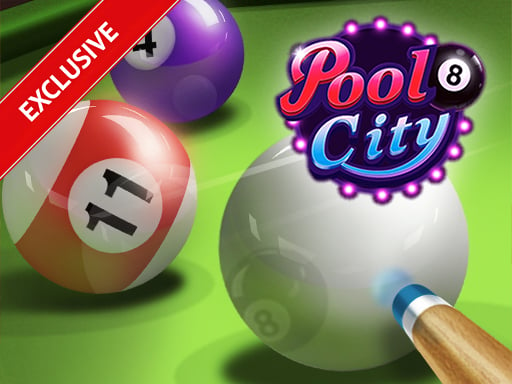
Billiards City is online HTML5 version of worldwide popular Pooking -Billiards City game! The BEST & STUNNING 8 ball pool challenge billiard game with lot of fun and many levels!
How to Play Billiards City
- Select your team or player and choose your preferred game mode.
- Follow the on-screen controls shown at the start — most sports games use arrow keys and spacebar.
- Time your actions well — pressing buttons at the right moment is the key to winning.
- Practice in training mode first to master the controls before playing competitively.
No download or installation needed — Billiards City runs entirely in your browser. Works on Chrome, Firefox, Edge, Safari, desktop and mobile.
🎮 How to Play Billiards City
- Click the "Play Now" button above to load Billiards City in your browser
- Wait a few seconds for the game to load — no download or installation required
- Use your keyboard (arrow keys / WASD) or mouse to control the game
- Click the fullscreen button for the best gaming experience
💡 Tip: Billiards City works best on Chrome, Firefox, Edge, and Safari. Make sure JavaScript is enabled for optimal performance.
❓ Frequently Asked Questions
How do I play Billiards City?
Click the Play button above to start Billiards City instantly in your browser. No download or installation needed. Works on PC, mobile, and Chromebook.
Is Billiards City free to play?
Yes! Billiards City is completely free to play online on PrimeGameHub. No registration, no download, no hidden fees.
What devices can I play Billiards City on?
You can play Billiards City on any device with a modern web browser — Windows PC, Mac, Chromebook, iPhone, iPad, and Android phones and tablets.