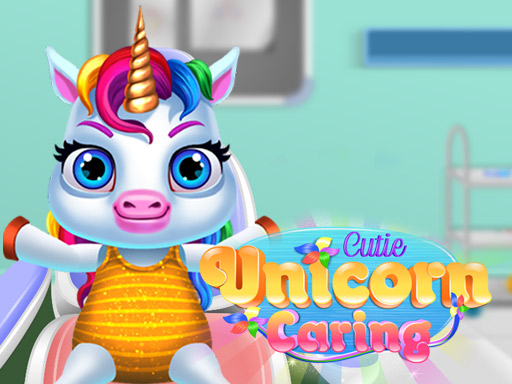
About Cutie Unicorn Care
Help this Cute Unicorn get better. Take her to the clinic and do a general checkup and then treatment in the nose and mouth. Once the treatment is over, give her a nice bath and then feed her. Take good care of this cute unicorn.
How to Play Cutie Unicorn Care
- Browse the available clothing, accessories, and styles using the menu.
- Mix and match items to create your perfect outfit or design.
- Use the colour picker to customise colours to your personal taste.
- Save or share your finished creation to show off your style.
No download or installation needed — Cutie Unicorn Care runs entirely in your browser. Works on Chrome, Firefox, Edge, Safari, desktop and mobile.
🎮 How to Play Cutie Unicorn Care
- Click the "Play Now" button above to load Cutie Unicorn Care in your browser
- Wait a few seconds for the game to load — no download or installation required
- Use your keyboard (arrow keys / WASD) or mouse to control the game
- Click the fullscreen button for the best gaming experience
💡 Tip: Cutie Unicorn Care works best on Chrome, Firefox, Edge, and Safari. Make sure JavaScript is enabled for optimal performance.
❓ Frequently Asked Questions
How do I play Cutie Unicorn Care?
Click the Play button above to start Cutie Unicorn Care instantly in your browser. No download or installation needed. Works on PC, mobile, and Chromebook.
Is Cutie Unicorn Care free to play?
Yes! Cutie Unicorn Care is completely free to play online on PrimeGameHub. No registration, no download, no hidden fees.
What devices can I play Cutie Unicorn Care on?
You can play Cutie Unicorn Care on any device with a modern web browser — Windows PC, Mac, Chromebook, iPhone, iPad, and Android phones and tablets.