About Party.io
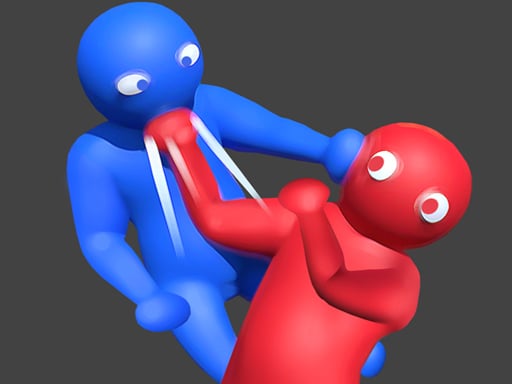
Get ready for a fun arena game where you will face powerful opponents! All you have to do is touch the other players and throw them out of the arena. Be the last person in the arena and win the game. You can choose one of the fun characters before you start. Have fun!
How to Play Party.io
- Use WASD to move and the mouse to control the camera angle.
- Take a moment to adjust camera sensitivity in settings for comfortable play.
- Use the 3D environment to your advantage — check angles and use cover.
- Keep an eye on the minimap or compass to navigate larger 3D worlds.
No download or installation needed — Party.io runs entirely in your browser. Works on Chrome, Firefox, Edge, Safari, desktop and mobile.
🎮 How to Play Party.io
- Click the "Play Now" button above to load Party.io in your browser
- Wait a few seconds for the game to load — no download or installation required
- Use your keyboard (arrow keys / WASD) or mouse to control the game
- Click the fullscreen button for the best gaming experience
💡 Tip: Party.io works best on Chrome, Firefox, Edge, and Safari. Make sure JavaScript is enabled for optimal performance.
❓ Frequently Asked Questions
How do I play Party.io?
Click the Play button above to start Party.io instantly in your browser. No download or installation needed. Works on PC, mobile, and Chromebook.
Is Party.io free to play?
Yes! Party.io is completely free to play online on PrimeGameHub. No registration, no download, no hidden fees.
What devices can I play Party.io on?
You can play Party.io on any device with a modern web browser — Windows PC, Mac, Chromebook, iPhone, iPad, and Android phones and tablets.