About Lovely Doll Creator
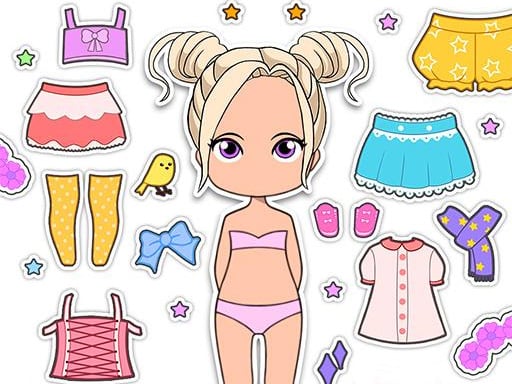
Lovely Doll Creator is your personal fashion avatar creator & self emoji maker. In our fashion games club, you can create your own avatar face. You can choose many different skin tones, eye colors, hairstyles, hair colors, and more in Lovely Doll Creator.
How to Play Lovely Doll Creator
- Mouse or tap to play
❓ Frequently Asked Questions
How do I play Lovely Doll Creator?
Click the Play button above to start Lovely Doll Creator instantly in your browser. No download or installation needed. Works on PC, mobile, and Chromebook.
Is Lovely Doll Creator free to play?
Yes! Lovely Doll Creator is completely free to play online on PrimeGameHub. No registration, no download, no hidden fees.
What devices can I play Lovely Doll Creator on?
You can play Lovely Doll Creator on any device with a modern web browser — Windows PC, Mac, Chromebook, iPhone, iPad, and Android phones and tablets.