About Challenge the Runners
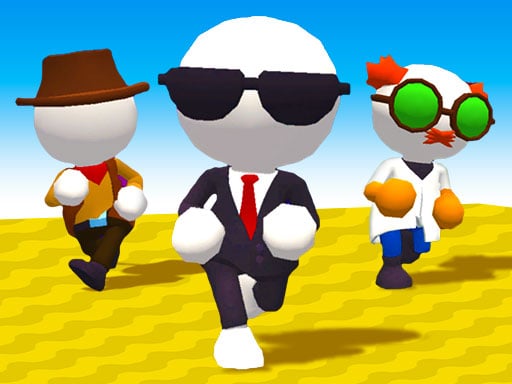
Fun and colorful races on different race areas await you in the Fall Friends Challenge game. The aim of the game is to advance in each race without being eliminated. Of course, this is not as easy as it seems; because there are many obstacles, traps and rivals. You can play the Fall Friends Challenge game against 1 Player online / bot opponents, or against your friend in 2 Player mode. Y ou can unlock new skins and characters with the coins you get with game achievements.
How to Play Challenge the Runners
- If playing single Move W A S D or ARROW KEYS Jump SPACE If playing two player Player 1 Move W A S D Jump G Player 2 Move ARROW KEYS Jump G
❓ Frequently Asked Questions
How do I play Challenge the Runners?
Click the Play button above to start Challenge the Runners instantly in your browser. No download or installation needed. Works on PC, mobile, and Chromebook.
Is Challenge the Runners free to play?
Yes! Challenge the Runners is completely free to play online on PrimeGameHub. No registration, no download, no hidden fees.
What devices can I play Challenge the Runners on?
You can play Challenge the Runners on any device with a modern web browser — Windows PC, Mac, Chromebook, iPhone, iPad, and Android phones and tablets.