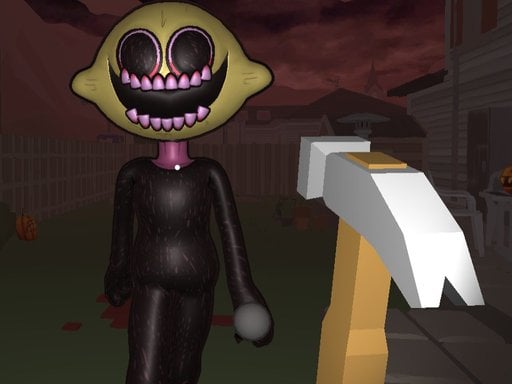
About FNF: Trick or Die
Enter the house of Lemon Demon and rescue Girlfriend from Friday Night Funkin' (FNF) before it's too late!
How to Play FNF: Trick or Die
- Use arrow keys or WASD to explore the world and move your character.
- Click or press E to interact with objects, NPCs, and collectibles.
- Follow the quest objectives shown on screen to advance the story.
- Discover hidden areas and collect all items to unlock secrets.
No download or installation needed — FNF: Trick or Die runs entirely in your browser. Works on Chrome, Firefox, Edge, Safari, desktop and mobile.
🎮 How to Play FNF: Trick or Die
- Click the "Play Now" button above to load FNF: Trick or Die in your browser
- Wait a few seconds for the game to load — no download or installation required
- Use your keyboard (arrow keys / WASD) or mouse to control the game
- Click the fullscreen button for the best gaming experience
💡 Tip: FNF: Trick or Die works best on Chrome, Firefox, Edge, and Safari. Make sure JavaScript is enabled for optimal performance.
❓ Frequently Asked Questions
How do I play FNF: Trick or Die?
Click the Play button above to start FNF: Trick or Die instantly in your browser. No download or installation needed. Works on PC, mobile, and Chromebook.
Is FNF: Trick or Die free to play?
Yes! FNF: Trick or Die is completely free to play online on PrimeGameHub. No registration, no download, no hidden fees.
What devices can I play FNF: Trick or Die on?
You can play FNF: Trick or Die on any device with a modern web browser — Windows PC, Mac, Chromebook, iPhone, iPad, and Android phones and tablets.