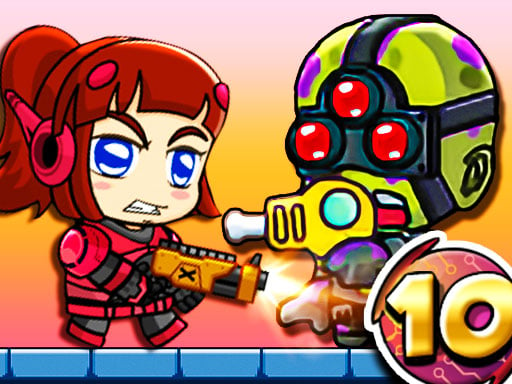
About Zombie Mission 10
Zombie Mission 10 continues with the Prison Breakout section! The underground prison has been taken over by the zombies and you must rescue the hostages also help the injured as well. With the new expanded version of Zombie Mission, you have to fight 30 LEVELS ! There will be 7 different bosses at different levels. The strongest boss, of course, is waiting for you in the final level! Don't forget to buy weapons and upgrade with the coins you earn as you pass the levels!
How to Play Zombie Mission 10
- Player 1 Move W A S D Hit F Grenade G Jump W Walk on the wall Switch weapon Q-E Player 2 Move ARROW KEYS Hit L Grenade K Jump UP ARROW KEY Walk on the wall Switch weapon O-P
❓ Frequently Asked Questions
How do I play Zombie Mission 10?
Click the Play button above to start Zombie Mission 10 instantly in your browser. No download or installation needed. Works on PC, mobile, and Chromebook.
Is Zombie Mission 10 free to play?
Yes! Zombie Mission 10 is completely free to play online on PrimeGameHub. No registration, no download, no hidden fees.
What devices can I play Zombie Mission 10 on?
You can play Zombie Mission 10 on any device with a modern web browser — Windows PC, Mac, Chromebook, iPhone, iPad, and Android phones and tablets.